Canvas
| YEAR | 2019 |
| CLIENT | Super Luminal |
| ROLE | INDUSTRIAL DESIGN, GRAPHIC DESIGN |
| TOOLS | ILLUSTRATOR, FIGMA |
Project Summary
Developed with the rest of the team at Super Luminal, Digital is an exploration of our everyday drawing and measurement tools. Compact, fun, and just the right amount of utilitarian, Digital is designed to build a middle-ground between the design and engineering workflows we jump between on a daily basis.
Overview
The Body
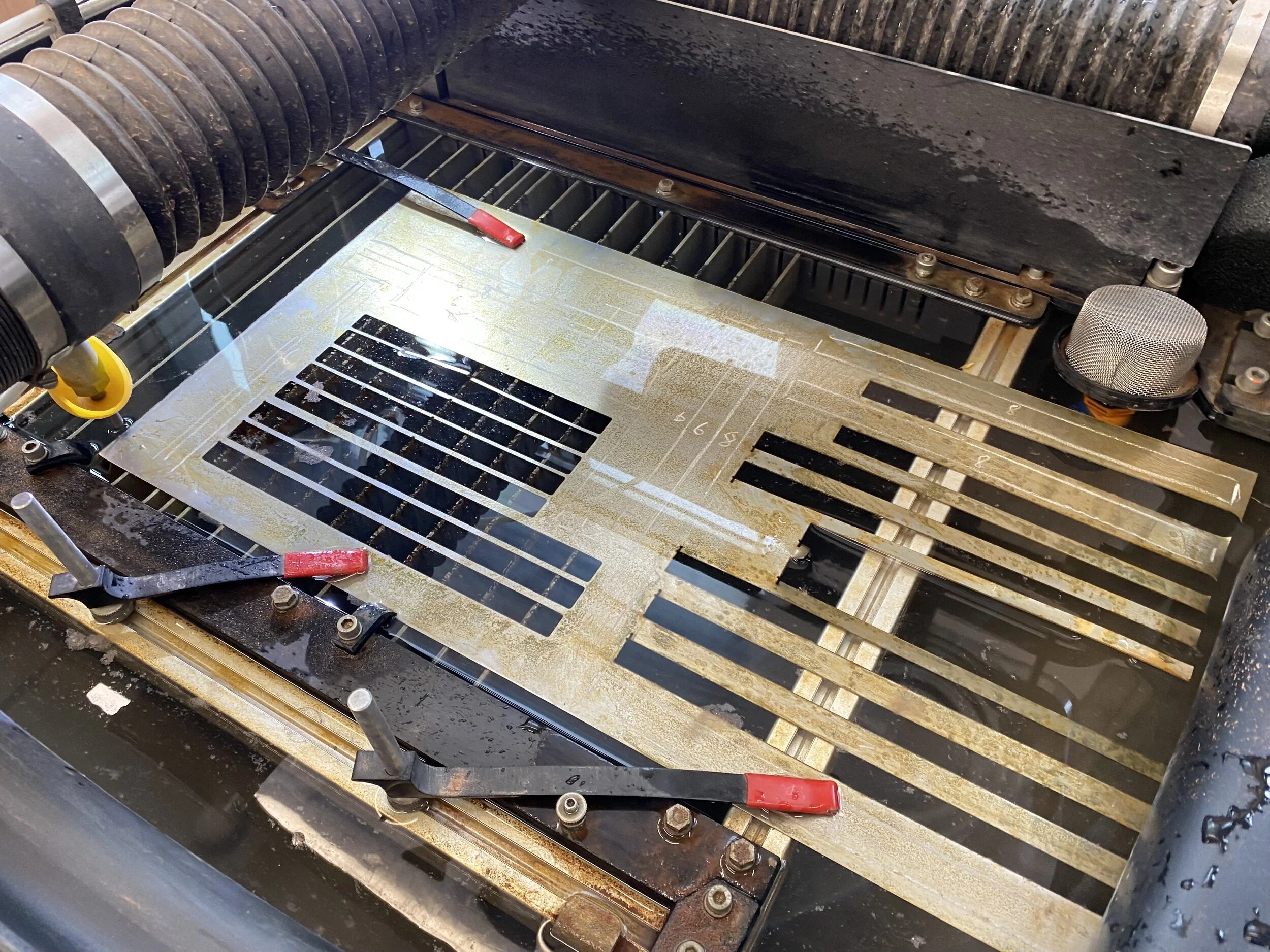
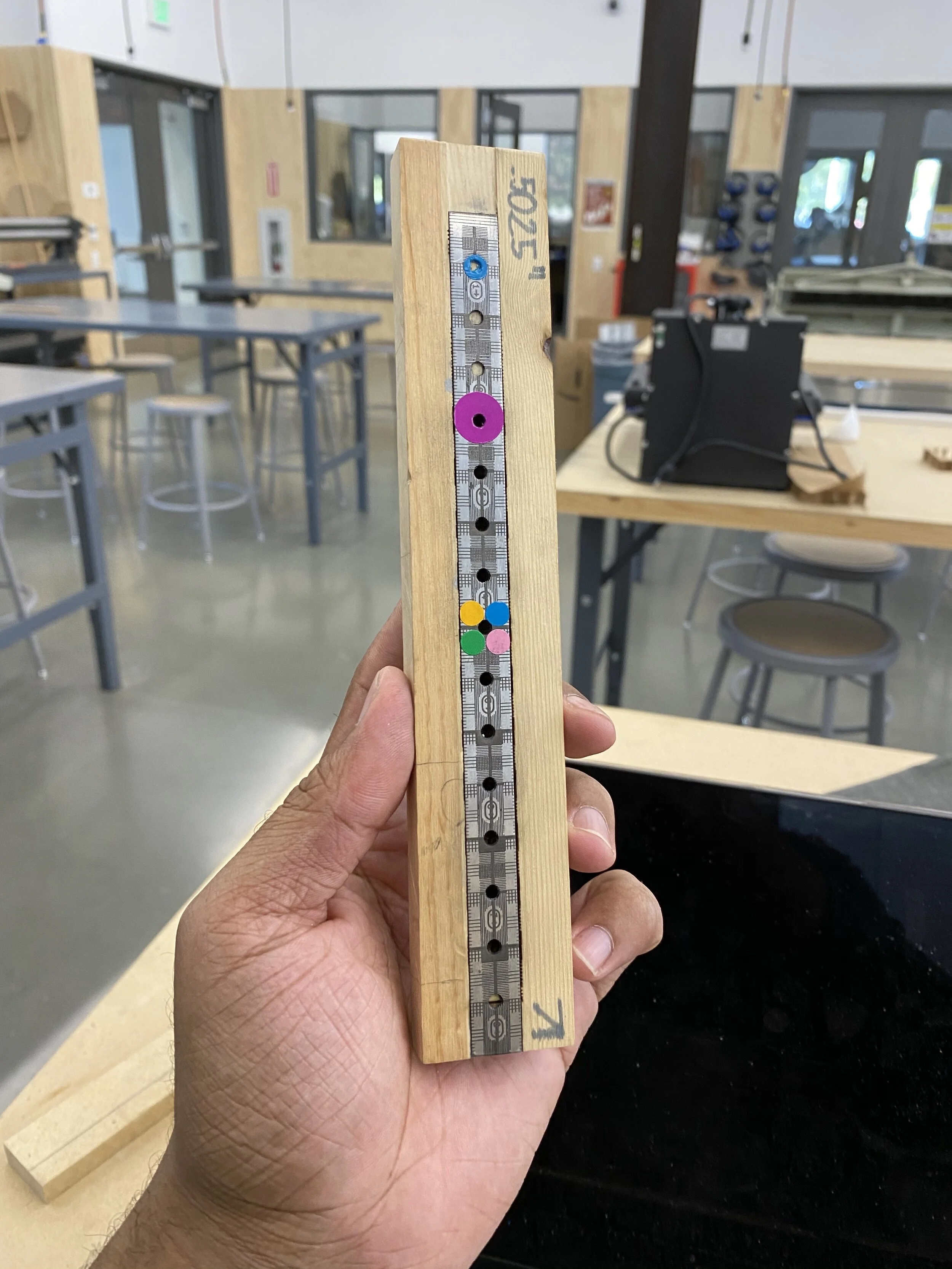
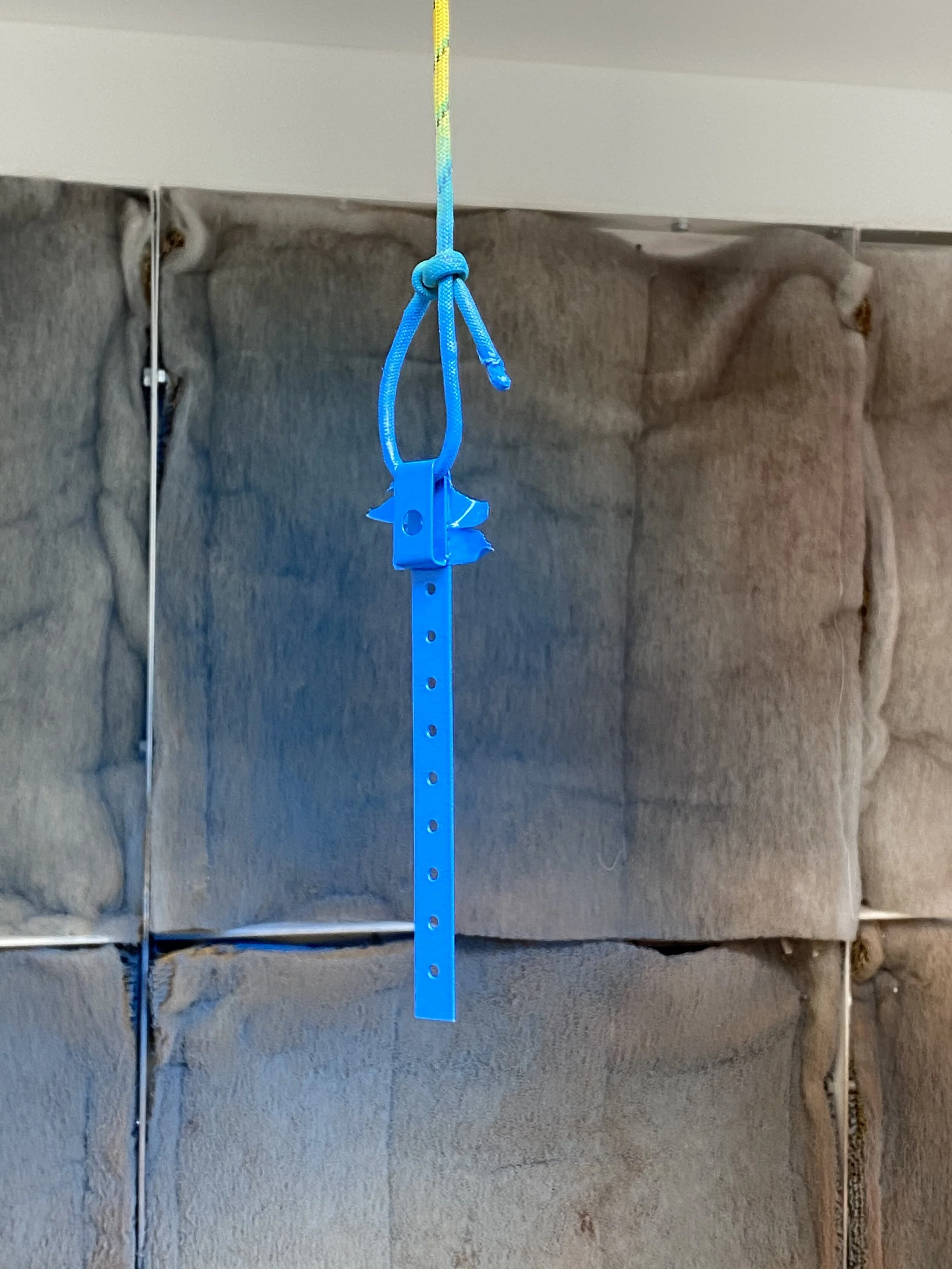
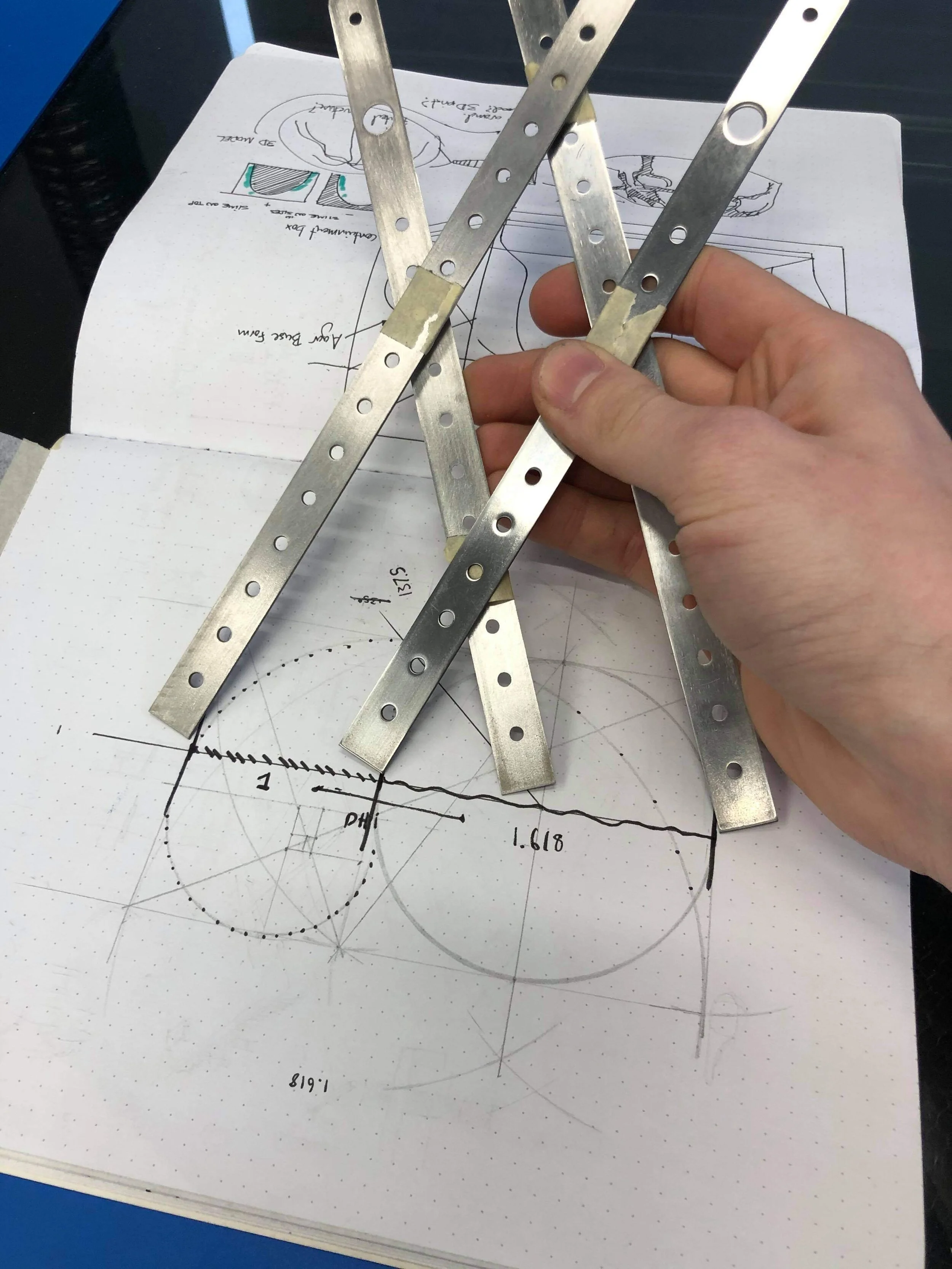
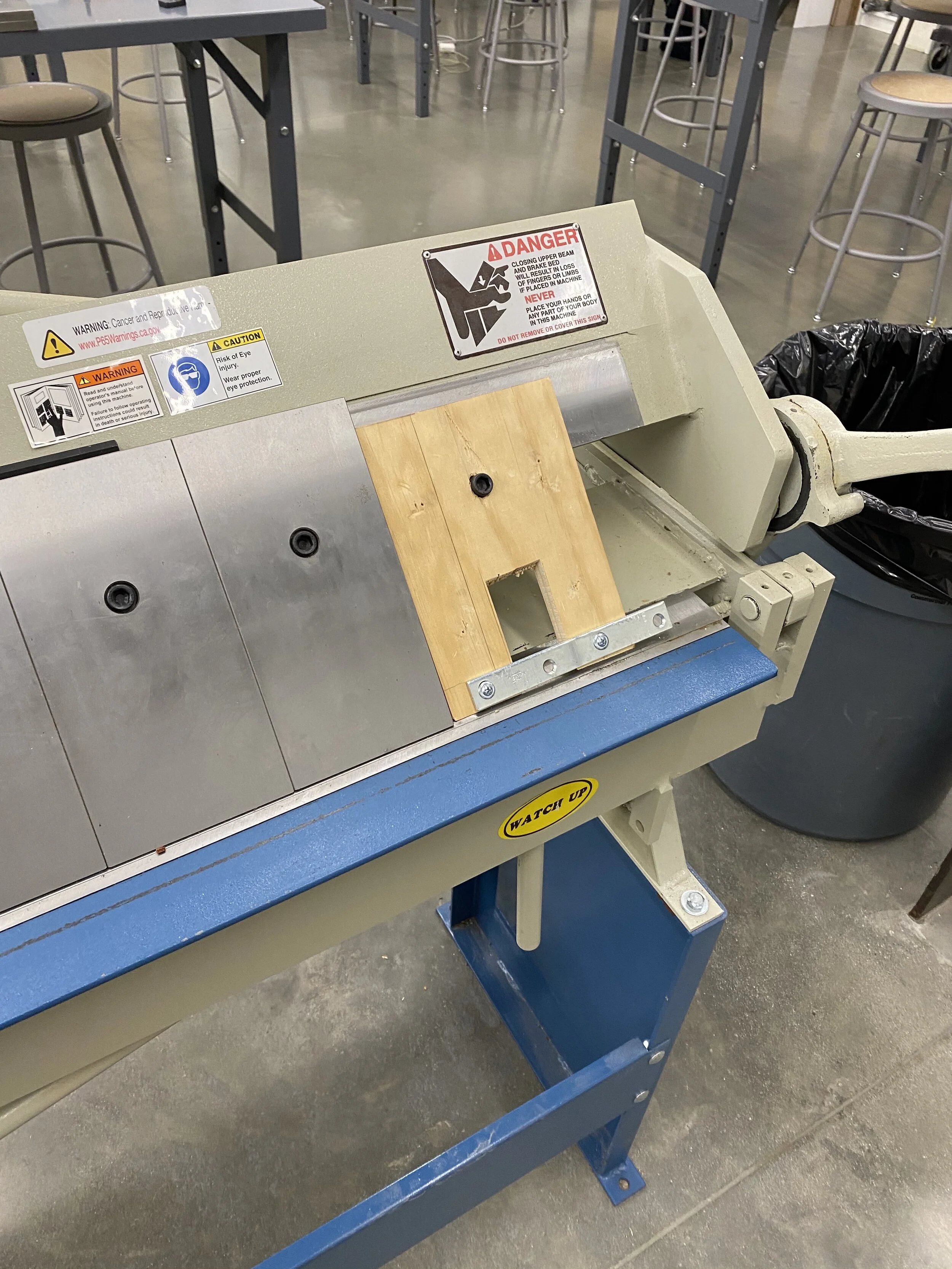
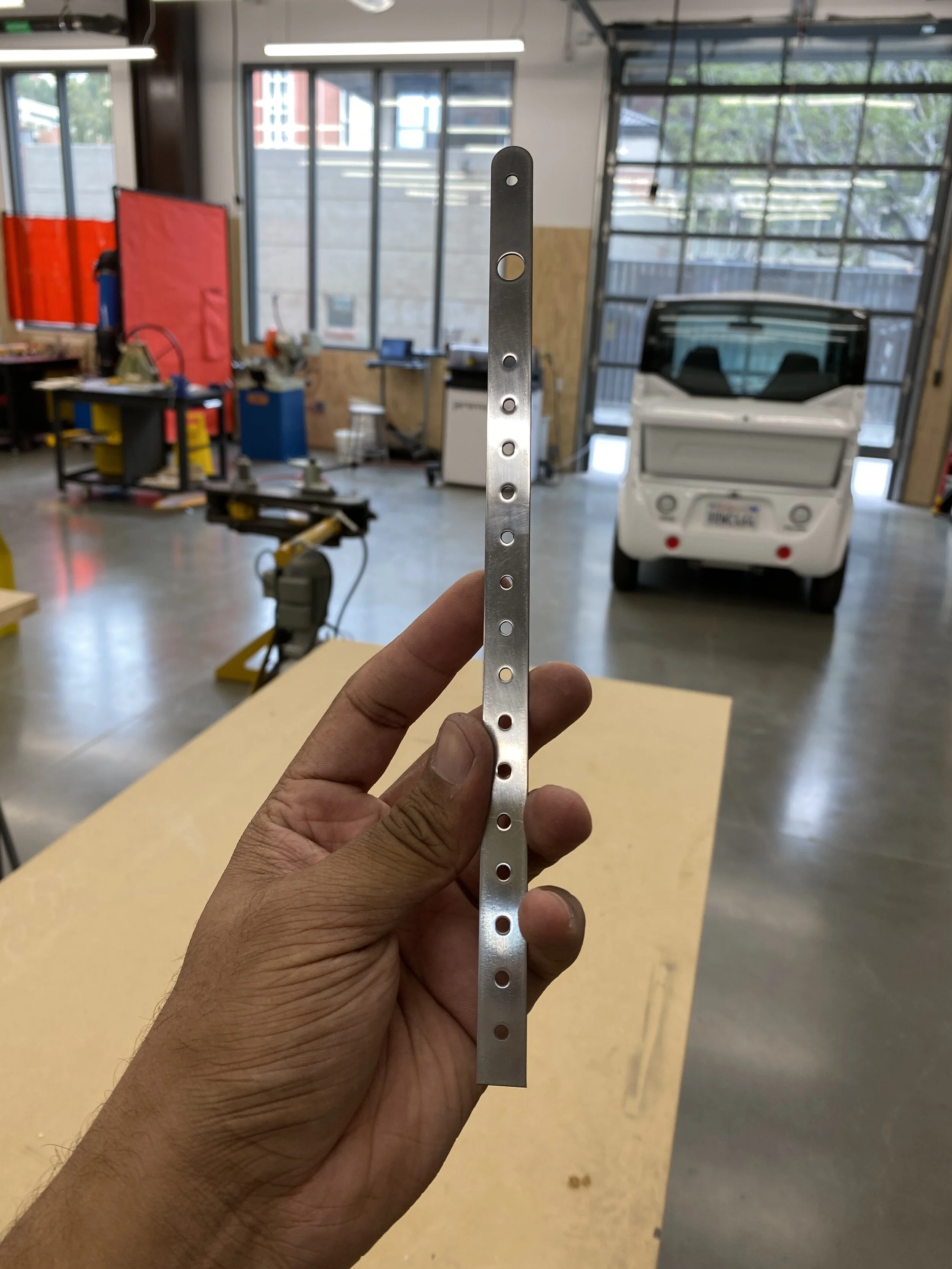
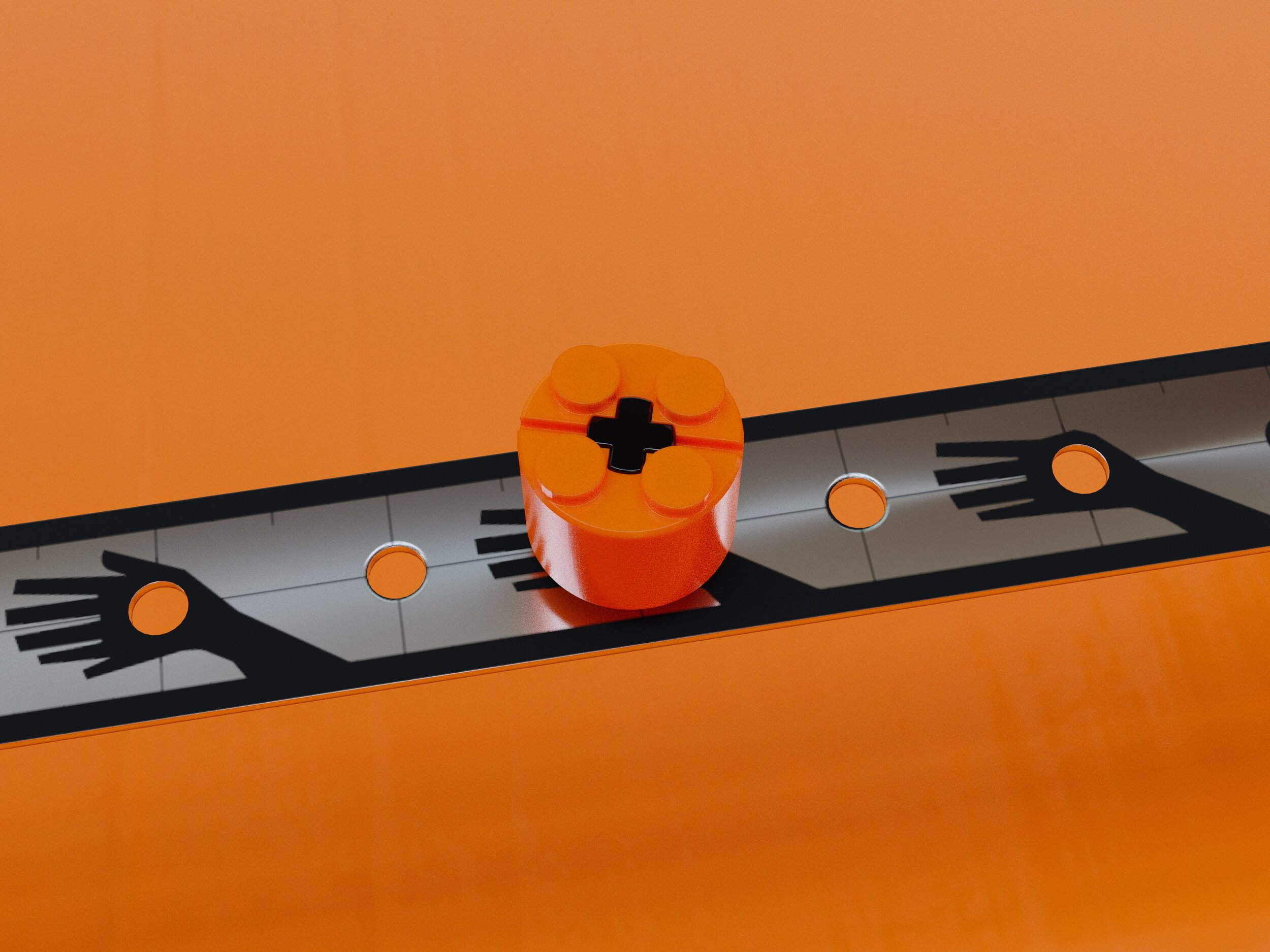
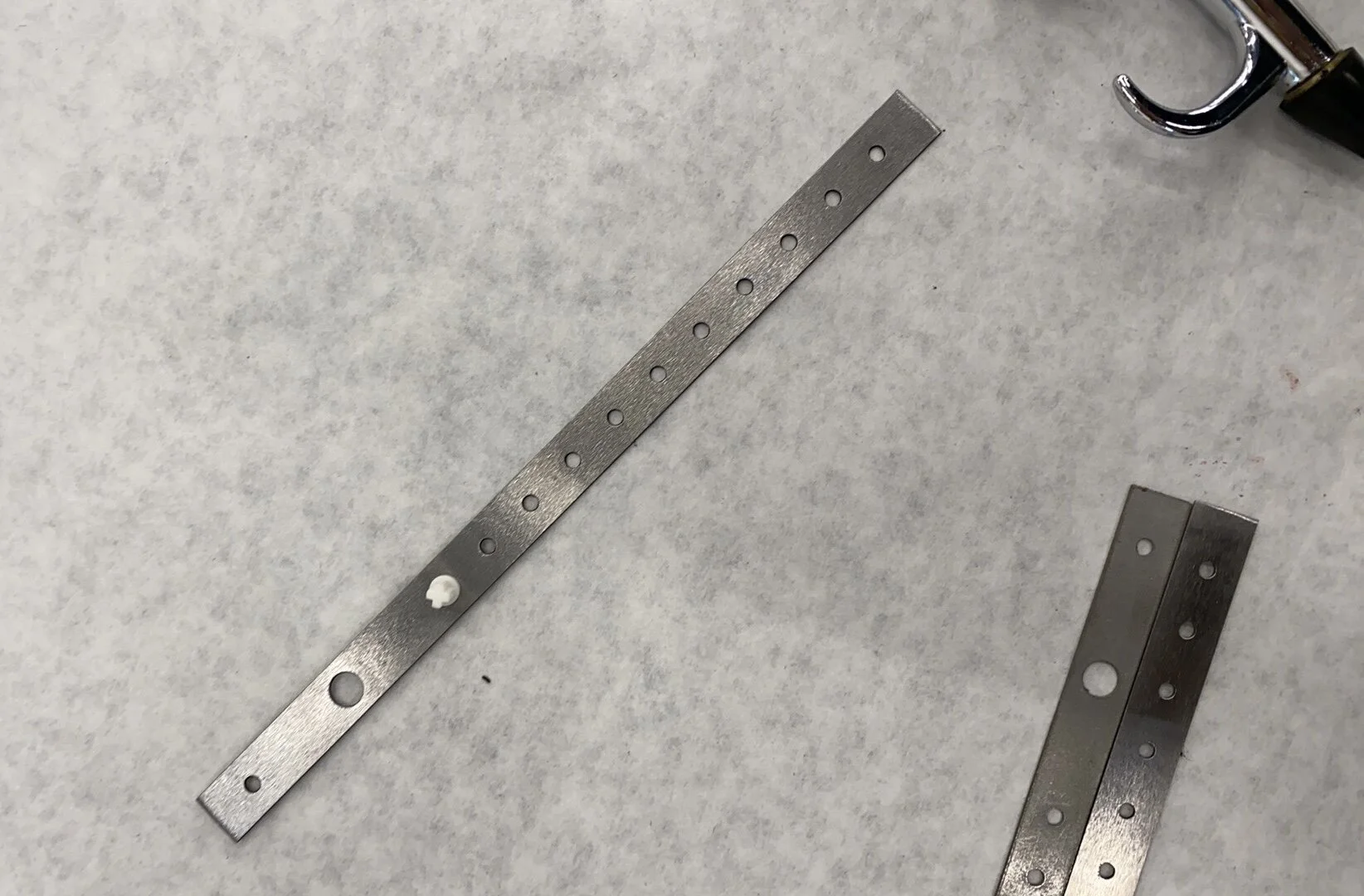
Digital’s main body is made out of precision cut steel and laser engraved with markings and digits. Holes spaced every half inch serve as both mounting points for accessories and references for measurements. After engraving, each ruler is bent into its final shape leaving you with a solid, near-indestructible artifact.
The Knob
A plastic knob with a magnetic insert allows you to use the tool for more than just measurements—and a LEGO compatible cross-axle gives you the flexibility to further customize and expand the capabilities of your ruler. This knob serves as a grip when drawing arcs, and can be used to mark positions along the ruler for later reference.
The Clip
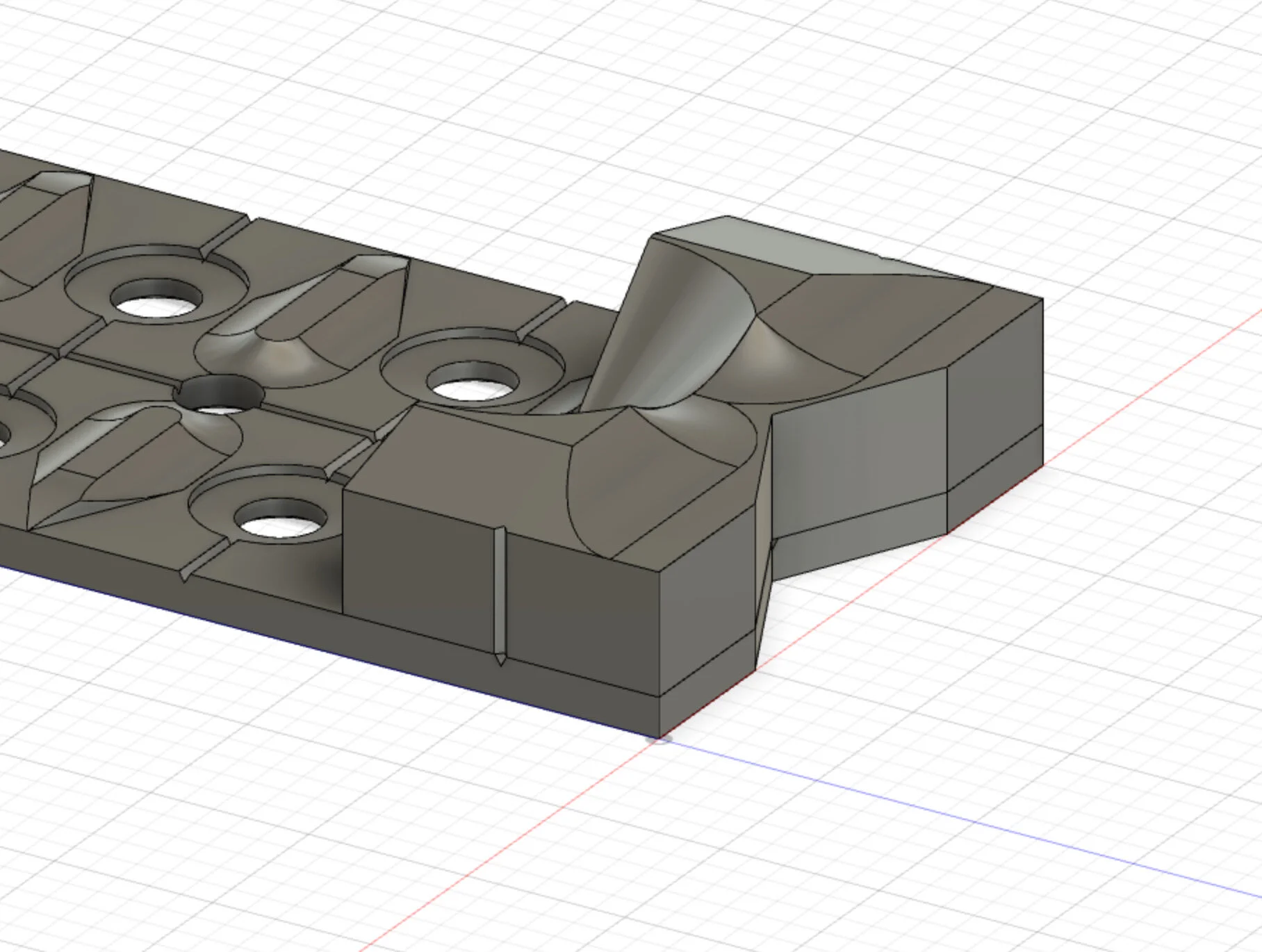
The clip at Digital’s end gives a home for the knob when not in use, and allows you to hold it nice and snug on a clipboard or the cover of your notebook. Measuring in at exactly 1” × 1/2” × 1/4”, the clip also serves as a useful reference when you need a quick gauge of an object’s scale.
Functionality
Measuring
The first primary function is to be used as a measuring tool. While intended primarily for larger, more granular measurements, it is entirely usable for measurements up to 1/16”. The half-inch spacing of the holes makes for quick and glanceable reference points, and the stainless steel surface can be easily marked and cleaned to record measurements for later use.
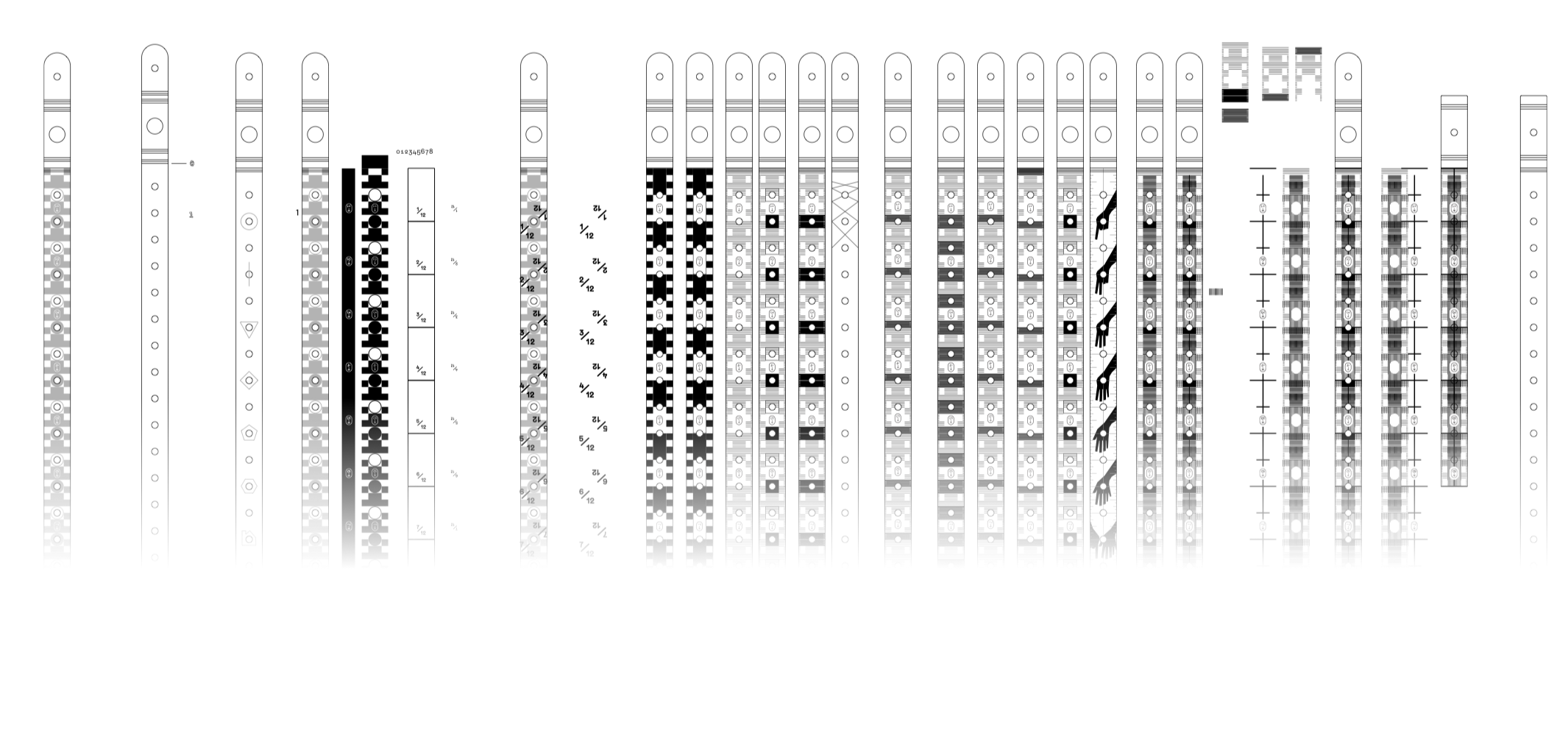
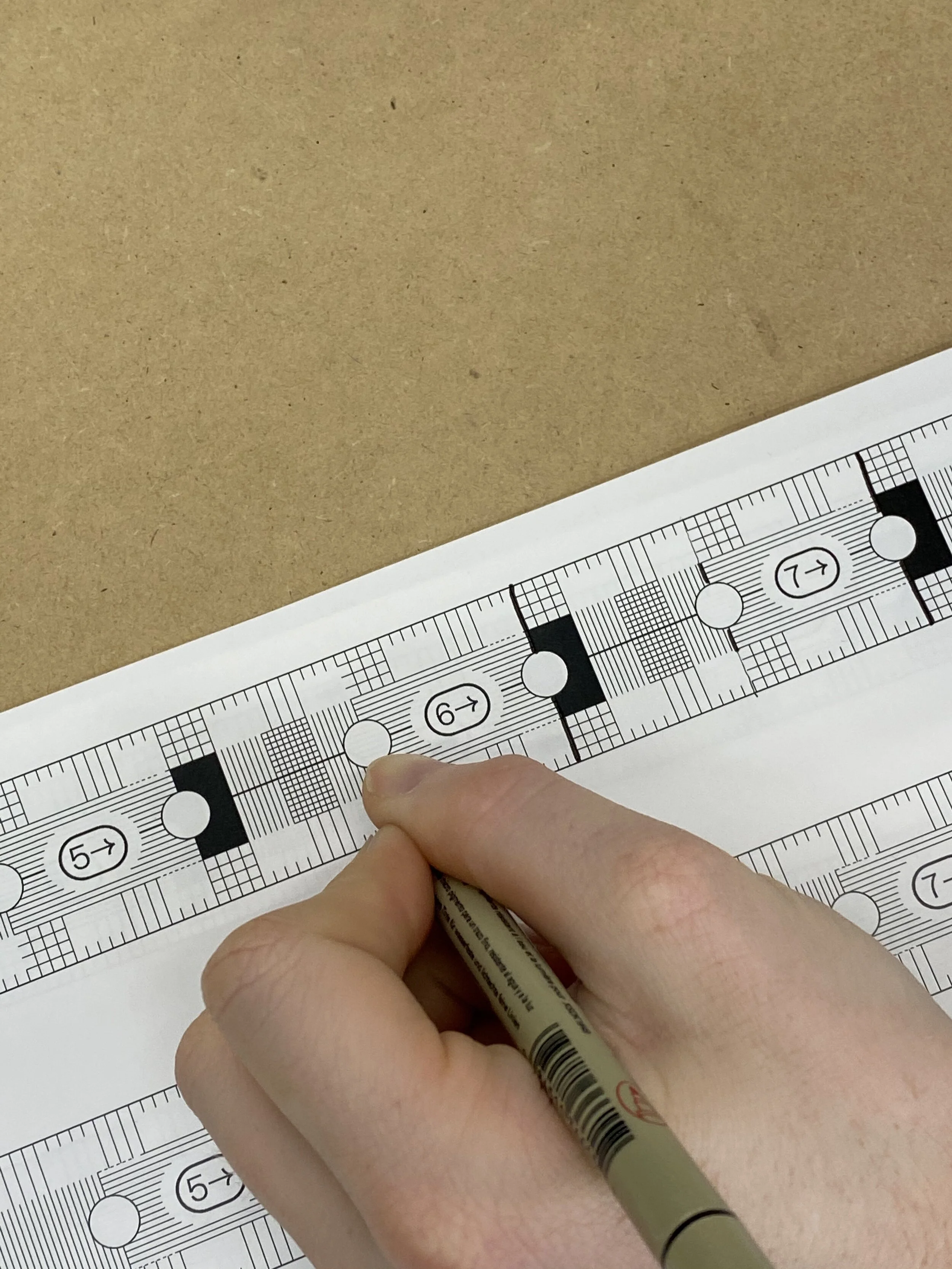
Many graphic iterations were tested throughout development
Final Design

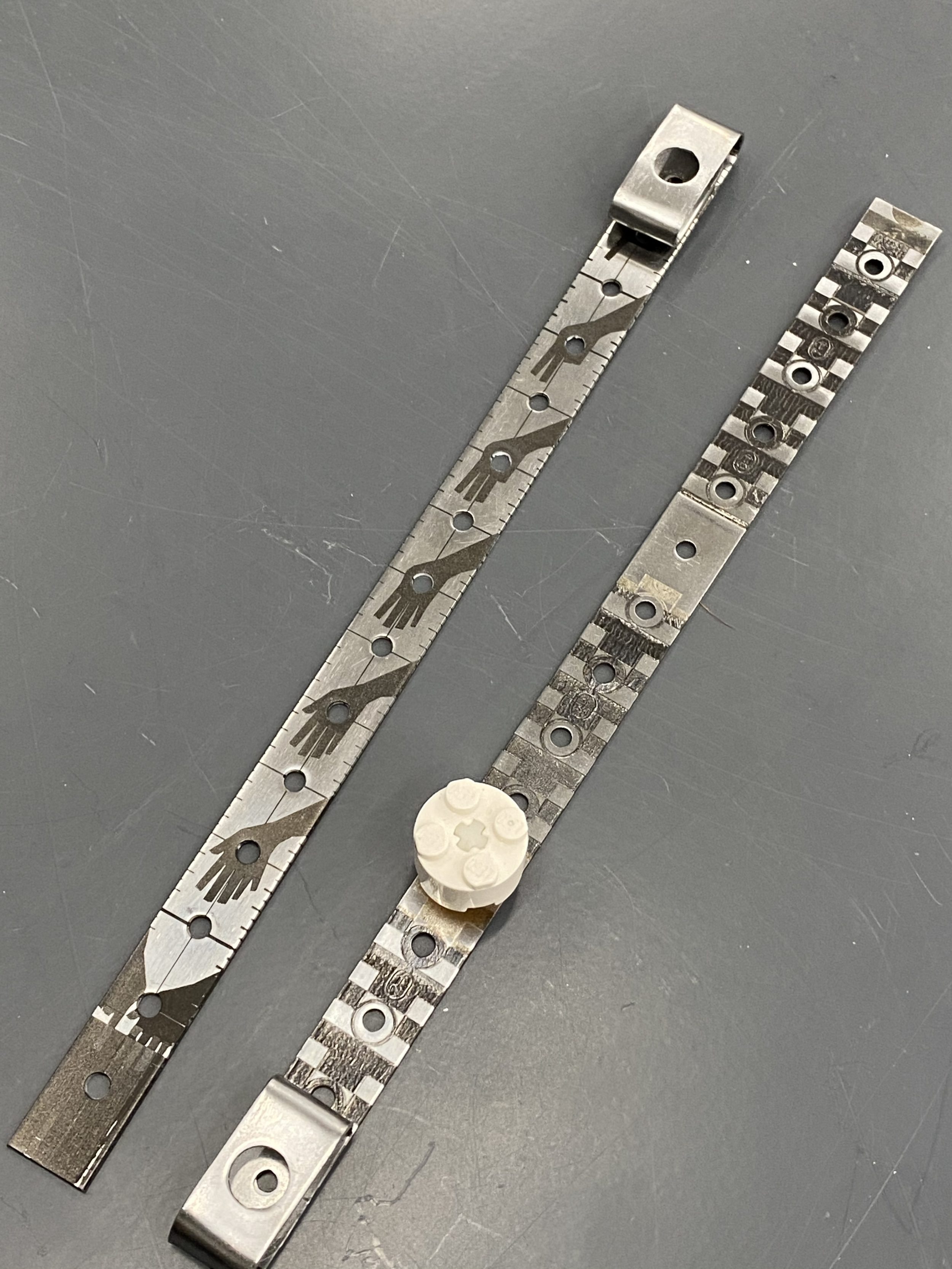
The final graphic options were designed to lean directly into the two main workflows—the “Hands” design being geared primarily towards those using Digital for sketching and illustration purposes and the “Plaid” design being focused on the engineering and workshop uses. The laser etching used to produce the markings allowed for the fine lines in the “Plaid” design to be reproduced with extremely high precision and allowed us to really sell the bold and fun look of the “Hands” design.
Marking
The second main purpose of this tool was to assist in producing marks. Outside of the standard use-cases that you would have with a ruler or straight edge, there were a few additional workflows we wanted to add.
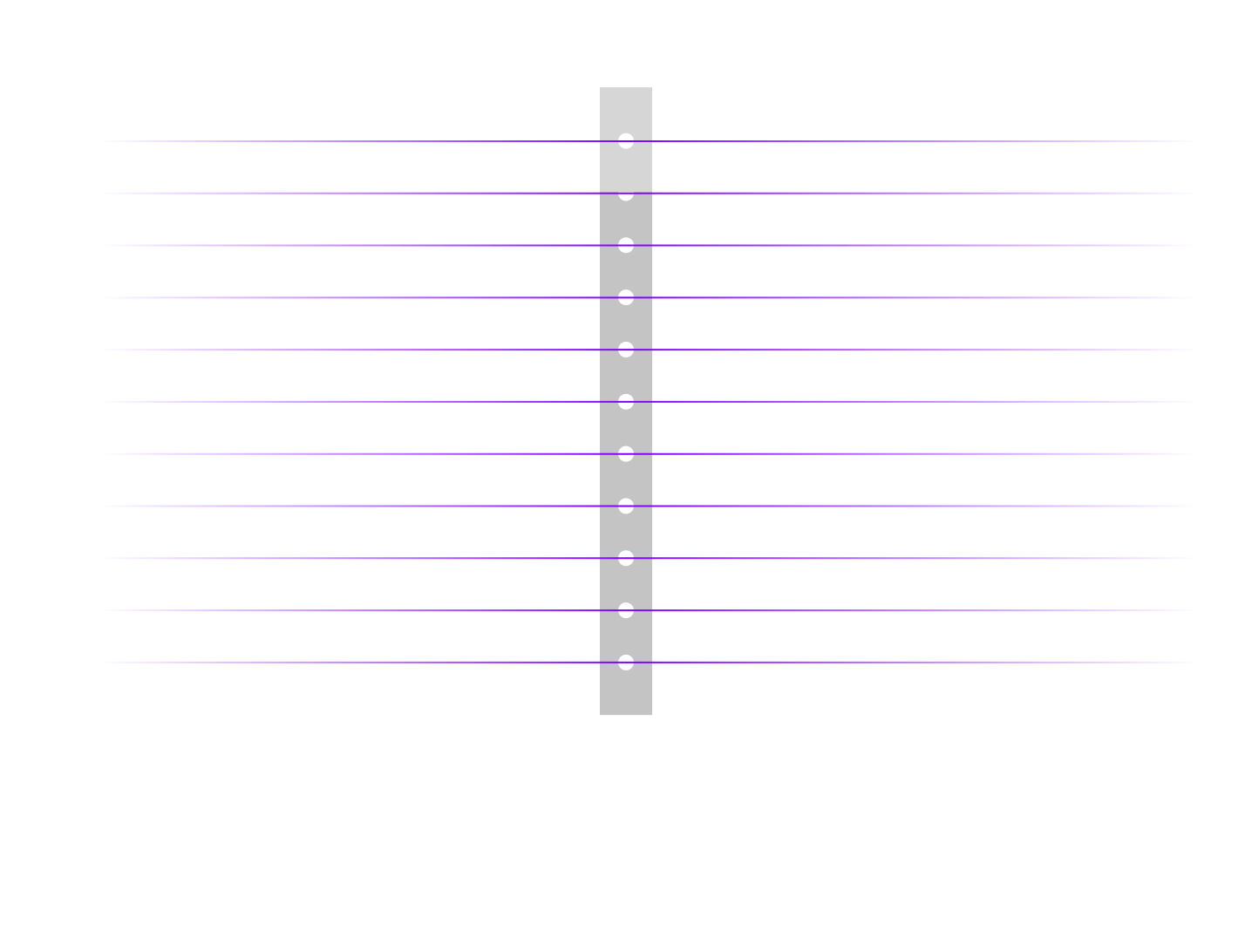
Offset Lines
Positioning the clip alongside your marking surface, you can create offset lines at even half inch increments from a given edge
Arcs
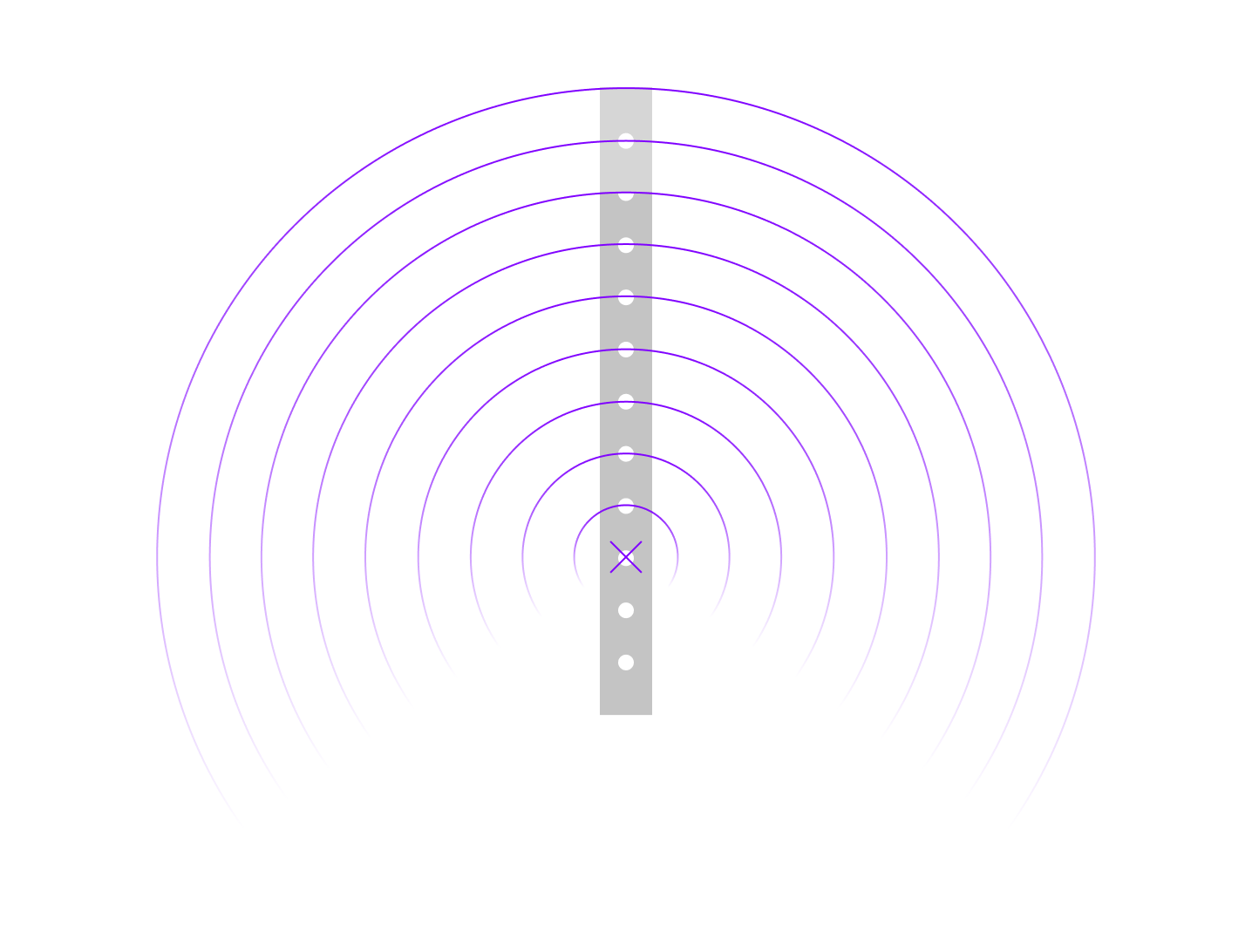
Using the knob as a handle or guide, you can insert your pen or pencil inside of one of the holes to create arcs of a given radius
Straight Edge
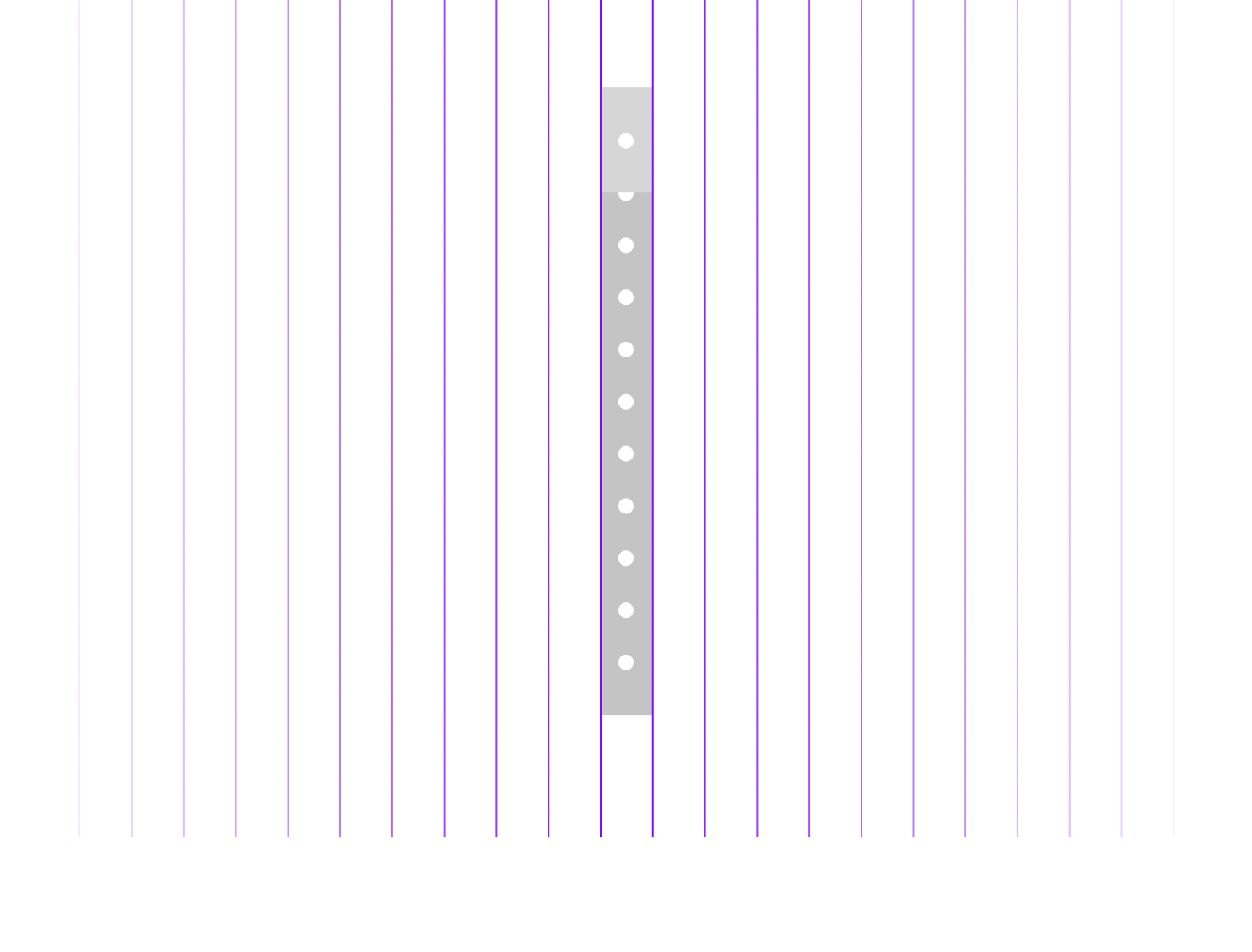
Using the long edge as a guide, you can create straight lines (like a traditional straight edge). However, by positioning previous lines inside of the holes, you can also create quick and accurate half-inch grids
Final Prototypes
Process